In the last part of this series, I gave you an overview of the pre-requisites for deploying vCenter Operations Manager. We also fulfilled one of the pre-requisite of creating an IP Pool. Now we will move one step ahead and deploy the vCOps vAPP in this post.
Let’s see the step by step instructions on deploying vCenter Operations Manager.
1- On your vCenter Center Server Click on File – > Deploy New OVF Template.

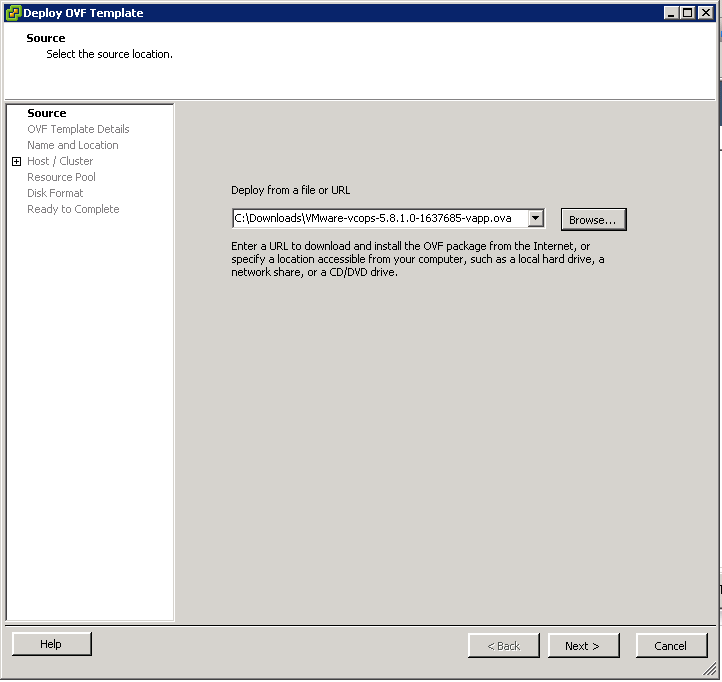
2- Browse to the OVF template and click on Next.
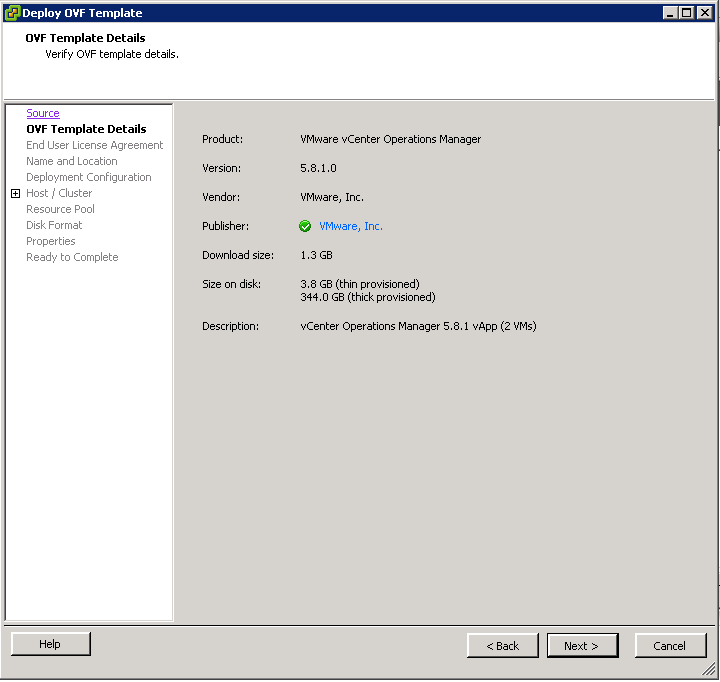
3- Verify OVF template details and click on Next.
4- Click on the Accept button on the EULA screen and click on Next.

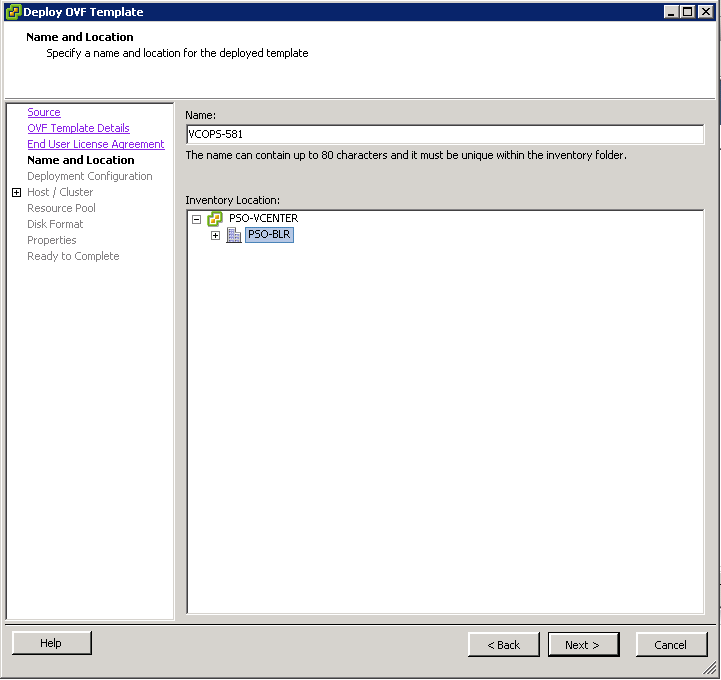
5- Give a name to the vCOps vAPP, select the appropriate location and click on Next. Remember it has to be in the datacenter where you have configured the IP Pool (See my previous post)
6- Deploy the configuration as per the Size appropriate to your environment & click on Next.

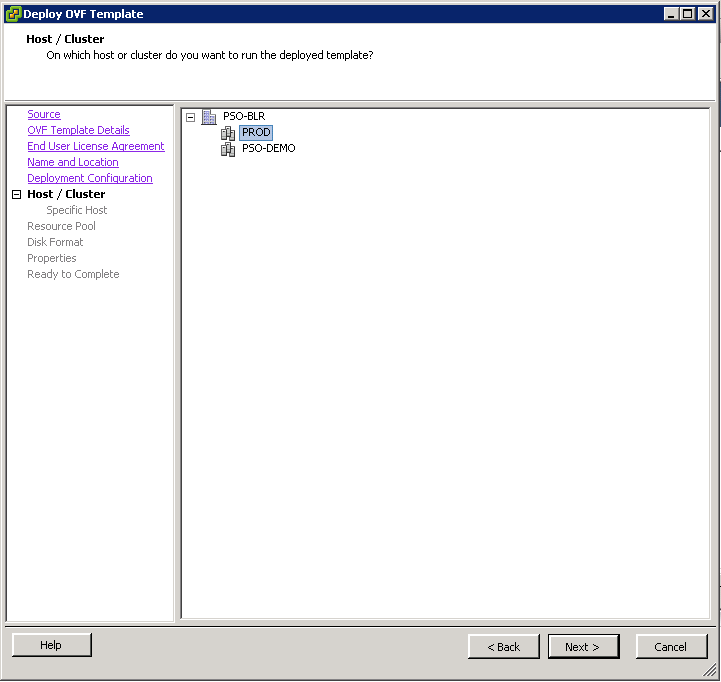
7- Select the appropriate cluster and click on Next.
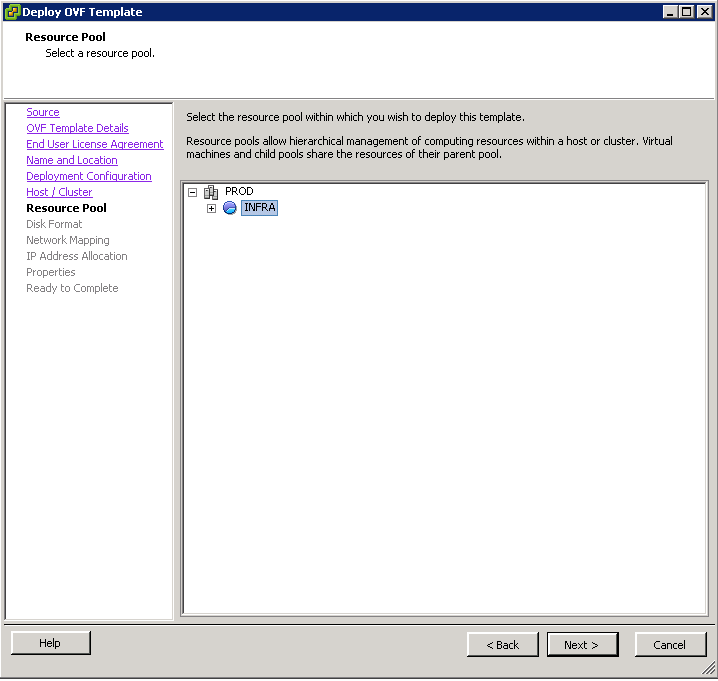
8- Select the relevant resource pool and click on Next..
9- Select the datastore for deploying the vAPP and click on Next (Thick Provisioned recommended in case of VMFS).

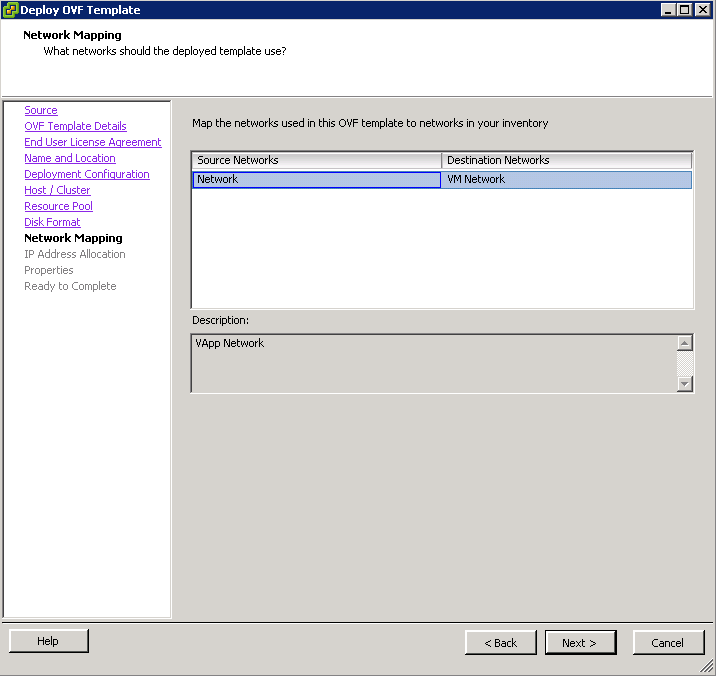
10- Select the appropriate port group and click on Next. This is the same port group which you associated the IP pool with while creating the IP Pool.
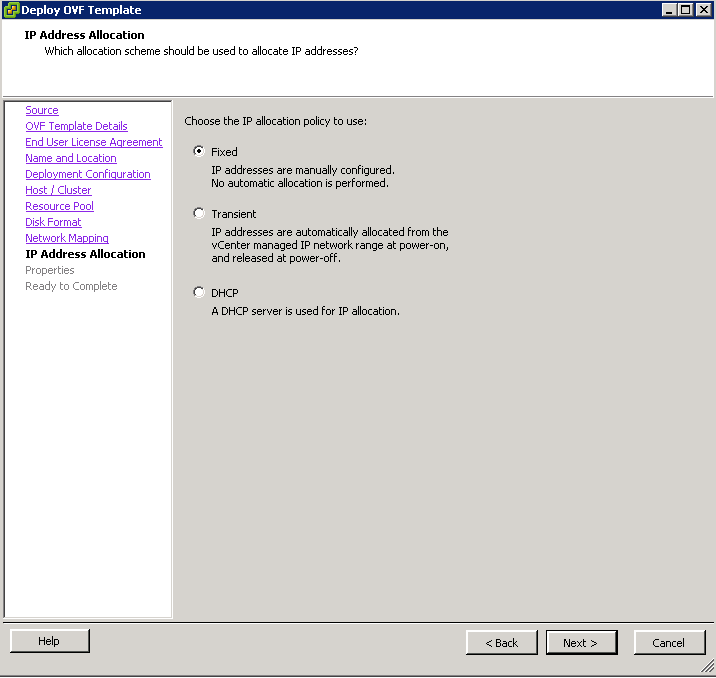
11- Select the IP allocation policy as Fixed and click con Next.
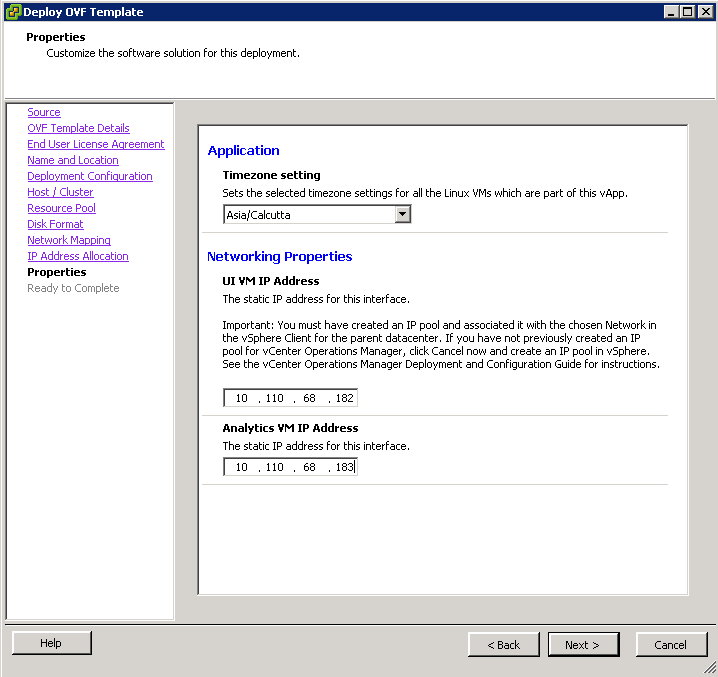
12- Select the appropriate Timezone & assign the static IPs to UI and Analytics VM.
13 – Finally review the entire configuration, check the power on post deployment check-box and click on finish.
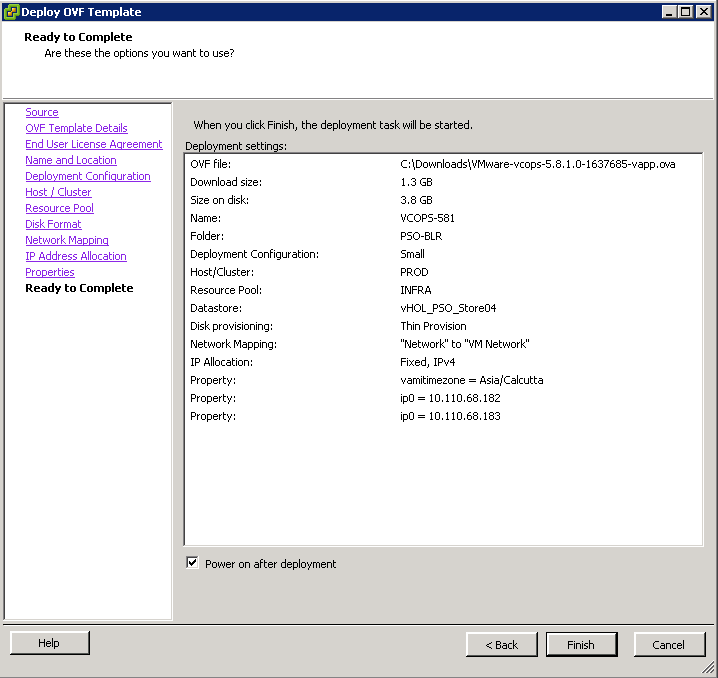
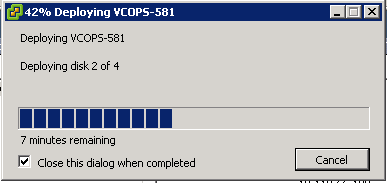
14- It will take around 10 minutes for this vAPP to deploy and another 5 minutes or so to power and be ready for use.
With this I will close this post. In my next post, I will share the details on how to do the first time configuration of vCenter Operations Manager.
Till then.. Stay tuned.
Share & Spread the Knowledge!!
 sunnydua.com